

Loki is not a full-text search engine. It is a log aggregation system designed for Qovery’s interface rather than direct queries.
Prerequisites
- Qovery cluster running on AWS EKS
- Access to AWS IAM Console
- Basic knowledge of Helm charts
Step 1: AWS Permissions Setup
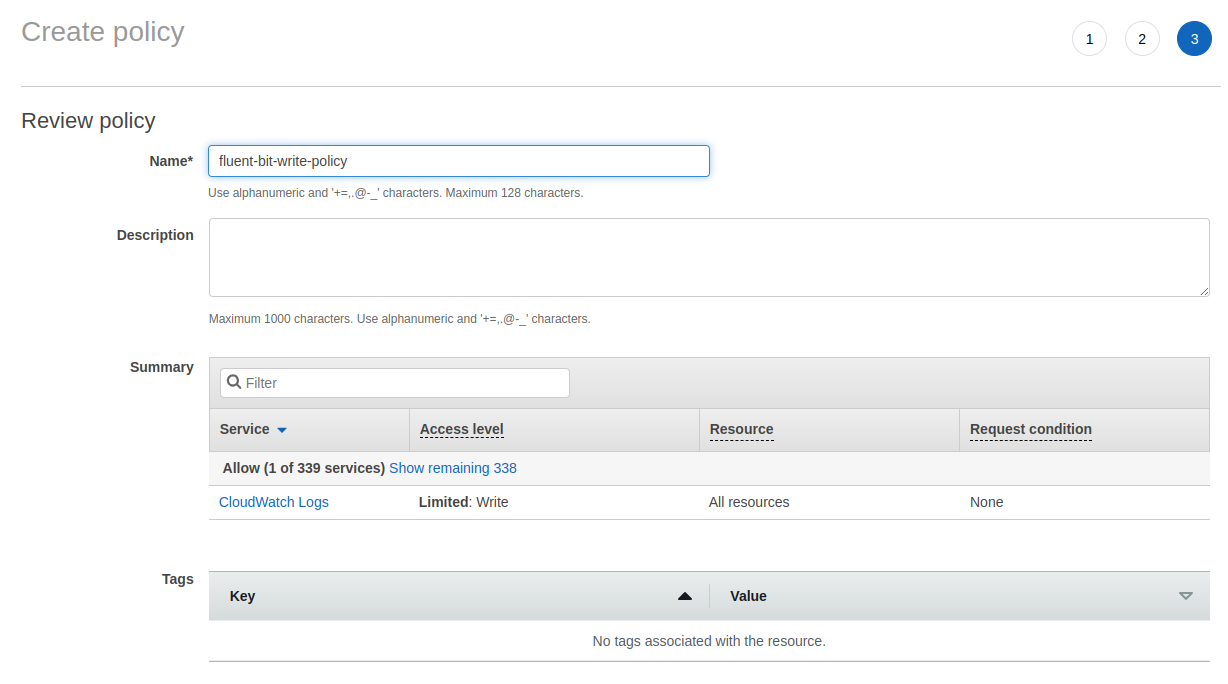
Create IAM Policy
Create an IAM policy namedfluent-bit-write-policy with these permissions:
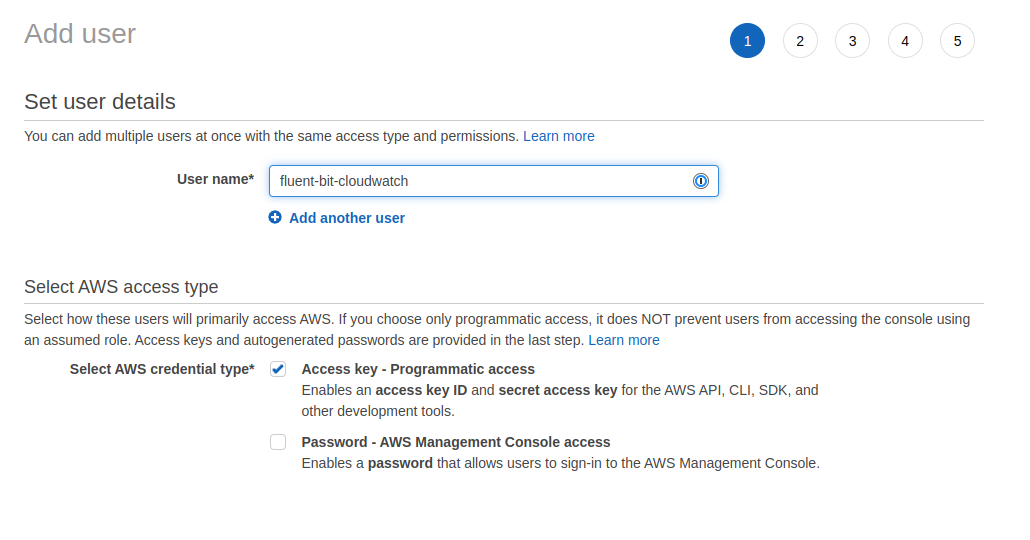
Create IAM User
- Create an IAM user
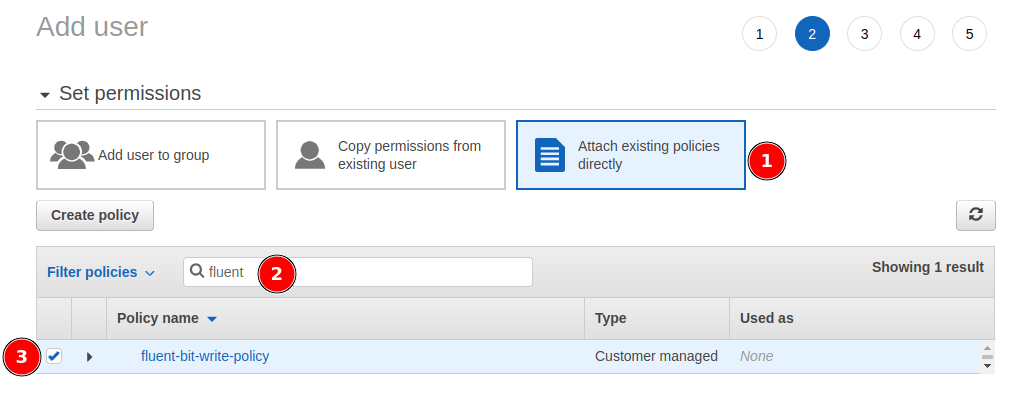
- Attach the
fluent-bit-write-policyto the user - Generate access credentials for later use
Step 2: Deploy Fluent Bit with Helm
Add AWS EKS Helm Repository
- In Qovery Console, navigate to your environment
- Add a new Helm repository:
- Name:
eks - Kind:
HTTPS - URL:
https://aws.github.io/eks-charts
- Name:
Create Helm Service
Configure the Helm service with the following settings: Basic Configuration:- Chart:
aws-for-fluent-bit - Version:
0.1.21 - Enable cluster-wide resources: Yes
Step 3: Store AWS Secrets
Add two service-scoped secret variables:- AWS_ACCESS_KEY: Your IAM user access key ID
- AWS_SECRET_ACCESS_KEY: Your IAM user secret access key
Step 4: Deploy
- Save your Helm configuration
- Click the Play button to trigger deployment
- Wait for the deployment to complete
- Verify the pods are running successfully
Step 5: Access CloudWatch Logs
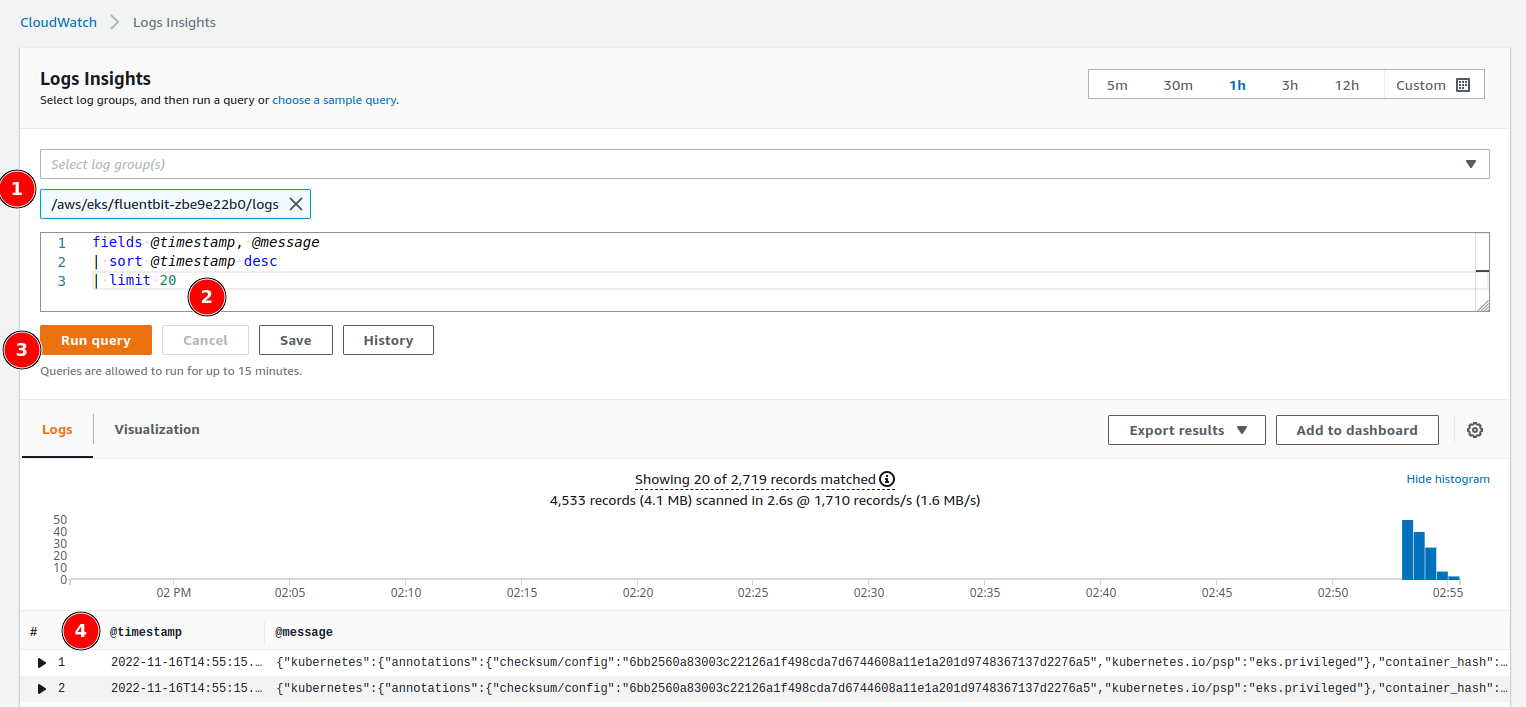
Using CloudWatch Logs Insight
- Navigate to AWS CloudWatch Console
- Go to Logs → Insights
- Select the
fluent-bitlog group - Use CloudWatch Logs Insights query syntax to filter and search logs
Example Queries
Find all error logs:Benefits of CloudWatch Integration
Full-Text Search
Perform complex queries across all your logs
Long-Term Retention
Configure custom retention policies up to 10 years
Advanced Analytics
Use CloudWatch Insights for log analysis
Alerting
Set up metric filters and alarms on log patterns
Troubleshooting
Logs not appearing in CloudWatch
Logs not appearing in CloudWatch
- Verify IAM permissions are correct
- Check Fluent Bit pod logs for errors
- Ensure AWS credentials are properly configured as secrets
- Verify the log group name matches your configuration
Access denied errors
Access denied errors
- Confirm IAM policy includes all required permissions
- Check that the IAM user credentials are valid
- Verify the region in your configuration matches your cluster region
High costs
High costs
- Configure log retention policies to reduce storage costs
- Use log filtering to send only relevant logs
- Consider using S3 archiving for older logs
Related Documentation
View Logs
Access logs through Qovery Console

Helm Services
Deploy applications with Helm
Observability
Learn about observability options
Advanced Settings
Configure service advanced settings